GcloudTabComplete
Description
Provide tab completion for the gcloud CLI interface
This module assumes that you have the gcloud SDK already installed and the installation path exists in the PATH environment variable
Authored by Jack Denton
Installing
The easiest way to get GcloudTabComplete is using the PowerShell Gallery!
Installing the module
You can install it using:
PS> Install-Module -Name GcloudTabComplete
Updating GcloudTabComplete
Once installed from the PowerShell Gallery, you can update it using:
PS> Update-Module -Name GcloudTabComplete
Uninstalling GcloudTabComplete
To uninstall GcloudTabComplete:
PS> Uninstall-Module -Name GcloudTabComplete
Usage
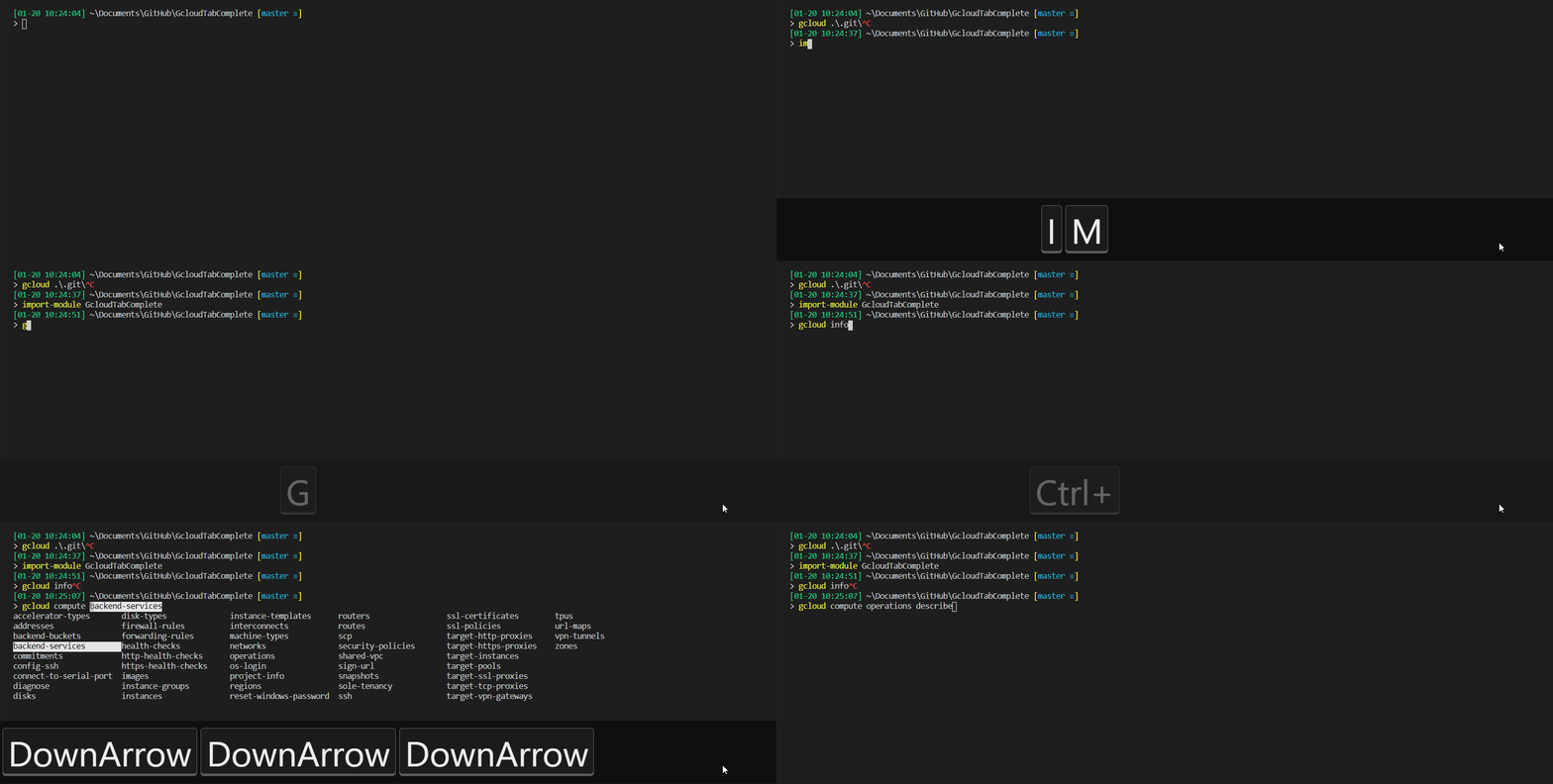
To start using tab completion with the gcloud SDK just import the module into your session Import-Module GcloudTabComplete
To avoid having to do this everytime when you start a new PowerShell session then add the import to your profile. To do this automatically run the function Import-GcloudToProfile which is provided as part of the module and it will add the import command to your currently used profile or CurrentUserCurrentHost if you're not currently using a profile. For more information on profiles then check about_Profiles
Example
Contributing to GcloudTabComplete
Interested in contributing? Read how you can Contribute to GcloudTabComplete
Release History
A detailed release history is contained in the Change Log.
License
GcloudTabComplete is provided under the MIT license.